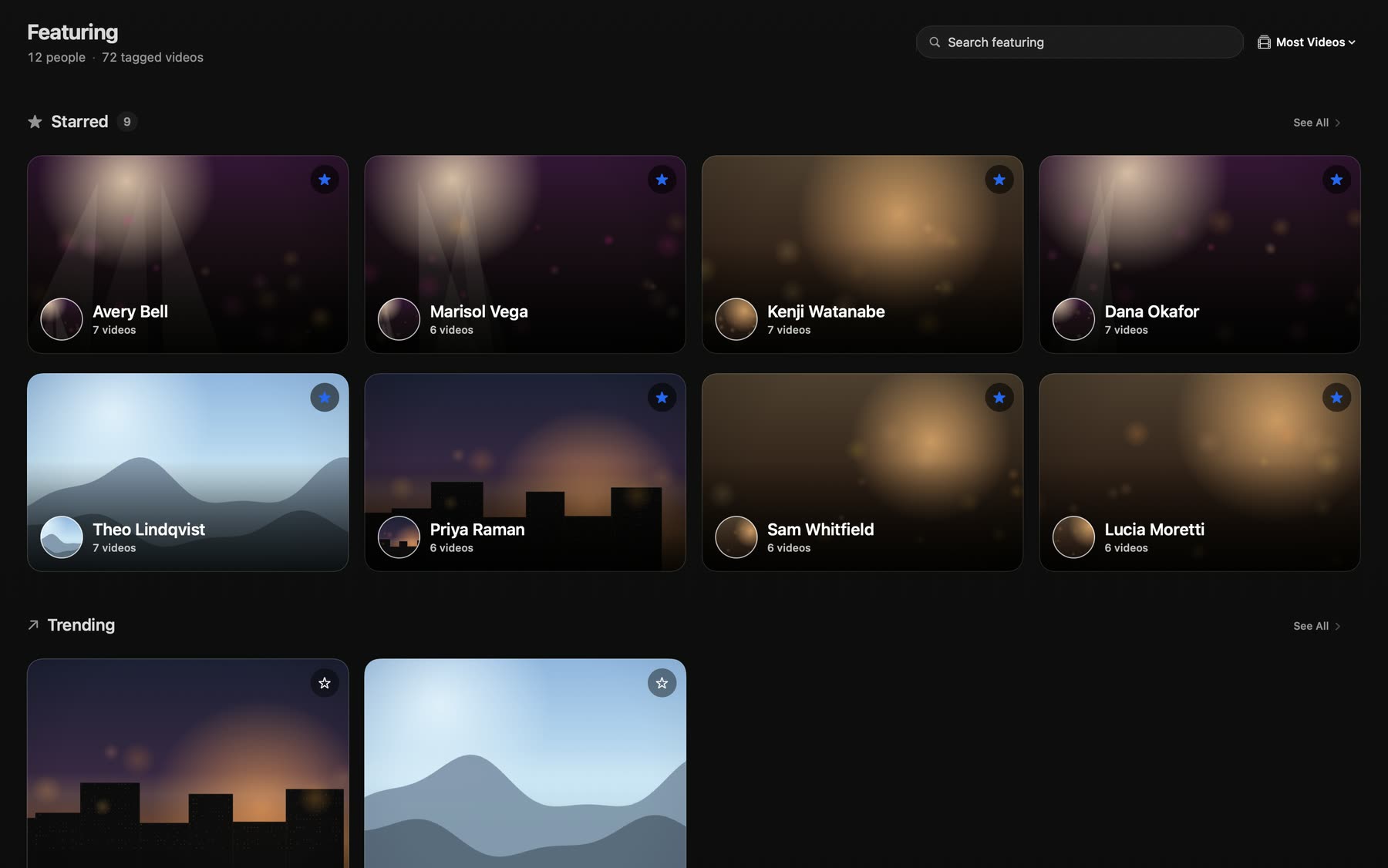
Featuring
The people in your videos, front and center.
Featuring is built around the people in your videos. Star your favorites to keep them first, with a trending shelf right below.
For Mac, iPhone and iPad
Sprocket turns the video files on your Mac into a fast, beautiful library, and streams it to your iPhone and iPad. Your files stay on your Mac.
Free for a library of up to a set number of videos. No account. See pricing

Sprocket for Mac
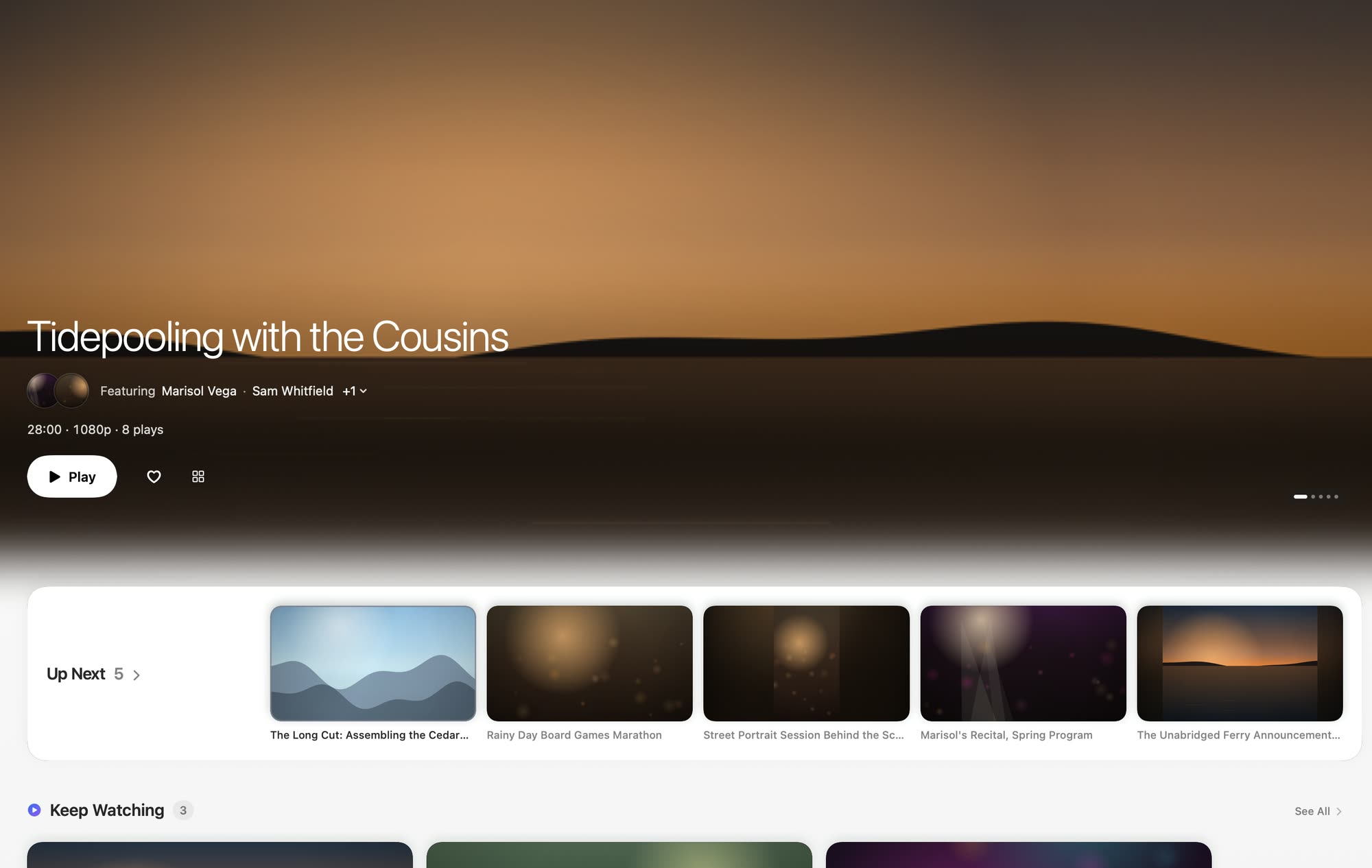
Point Sprocket at the video files on your disk. It gives them a home: a cinematic front page, a library you can see three ways, and a player that remembers where you stopped.
Featuring is built around the people in your videos. Star your favorites to keep them first, with a trending shelf right below.
See everything at once, or just the details you care about.

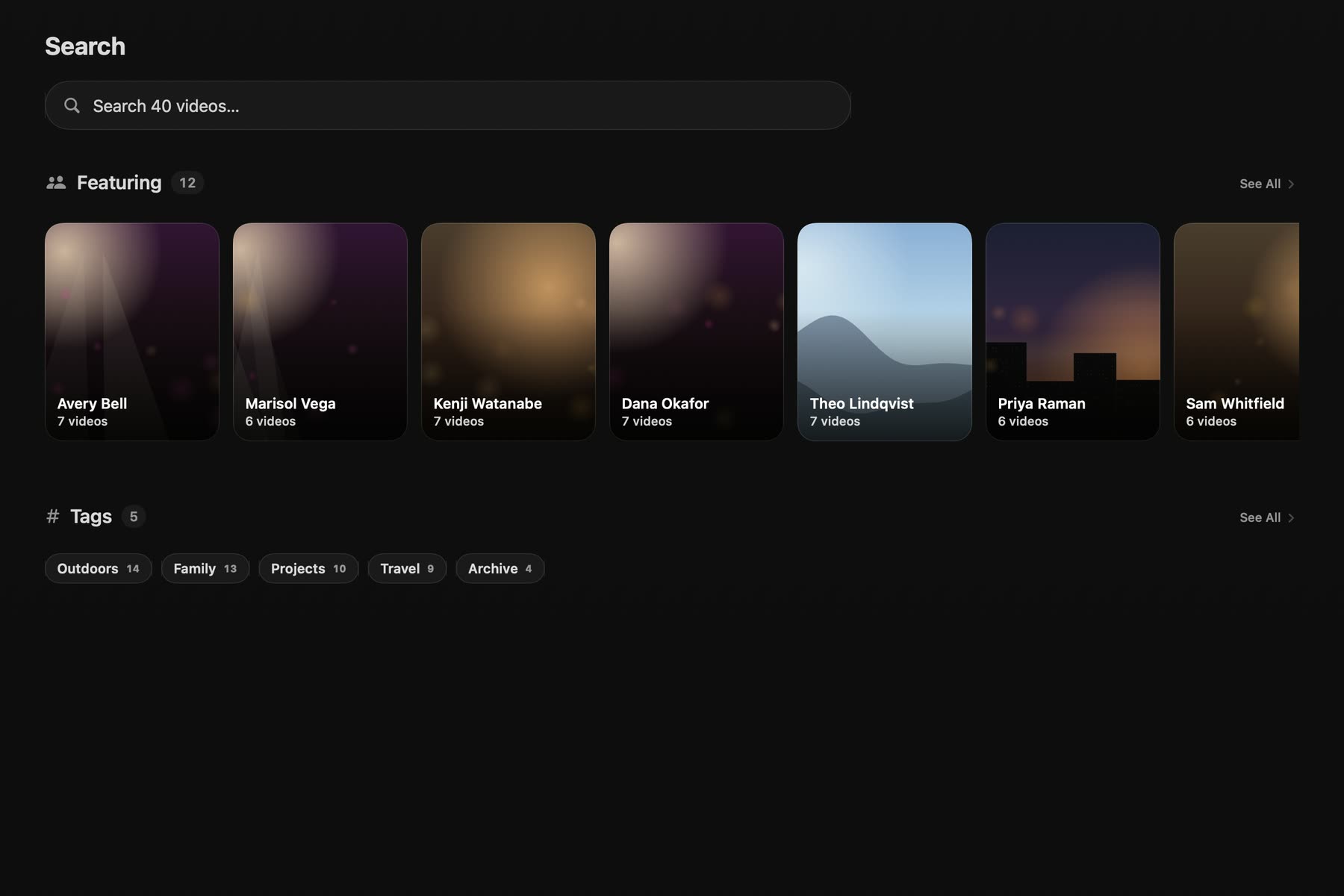
Search your whole library, then narrow it down with filters.
Resume points, favorites and ratings sit right on each video, so the grid tells you what to watch next.
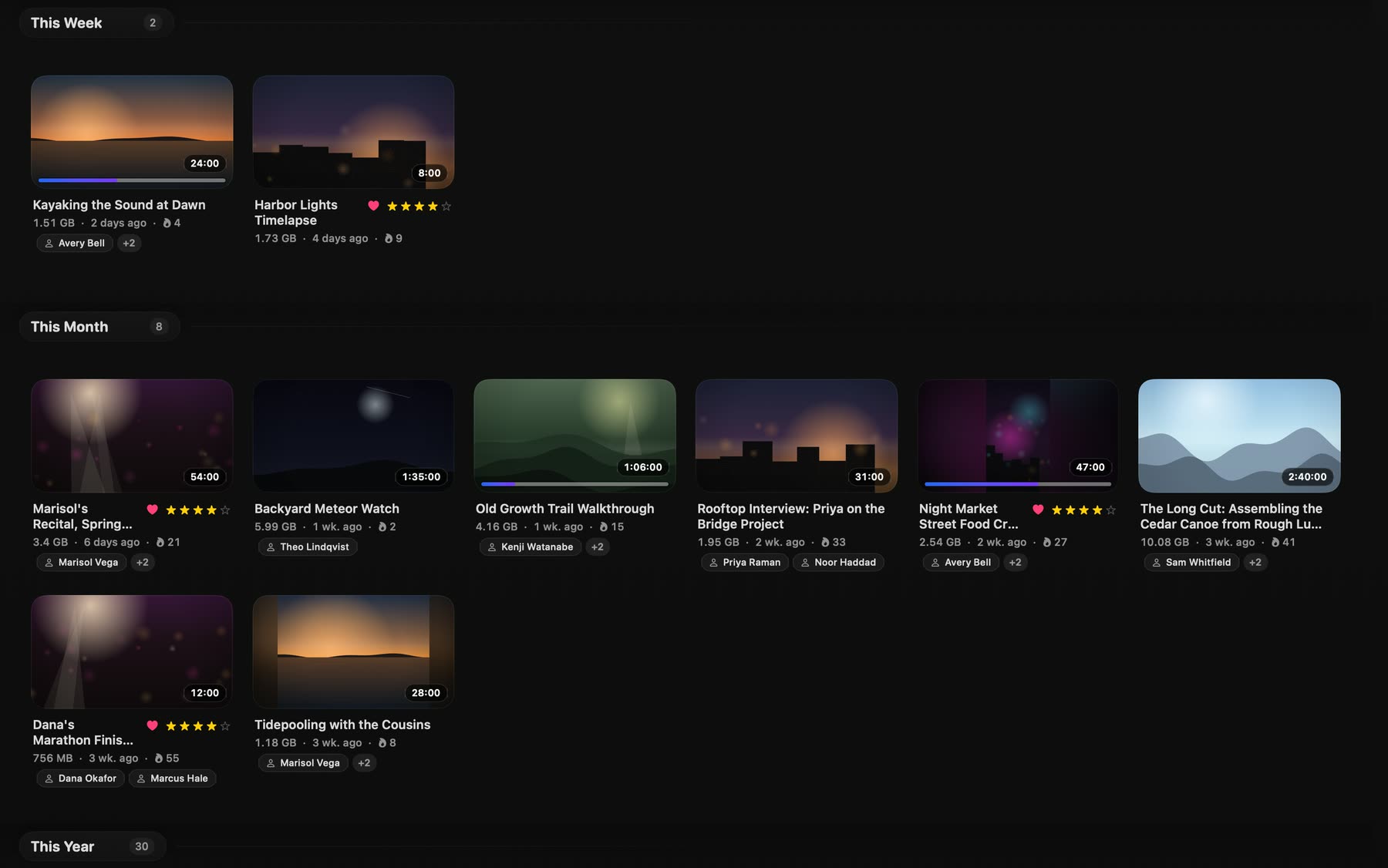
Pick up exactly where you stopped. Line up what plays next.
Browse by folder, then organize further with tags and collections.
Mark what you love. Rate what you have seen.
Two full themes, with accent colors to make it yours.
Lock the app, and open it with your fingerprint.
Sprocket stays within reach from the menu bar.
The companion for iPhone and iPad
The companion app streams your library from your Mac. Scan one QR code and you are in.
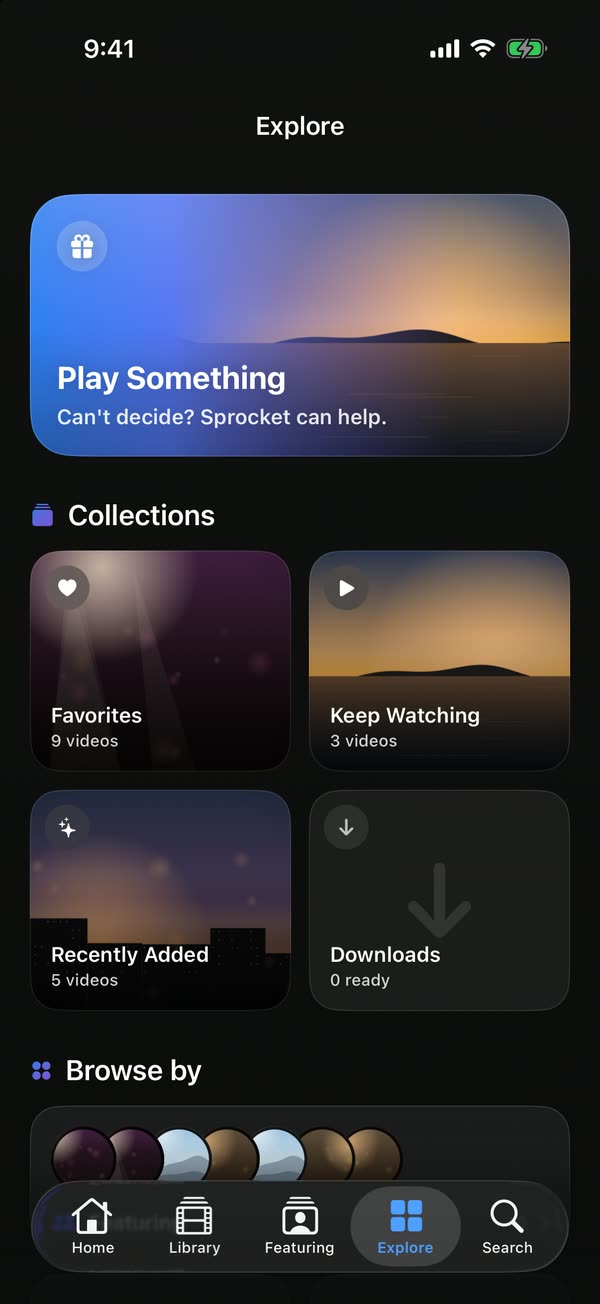
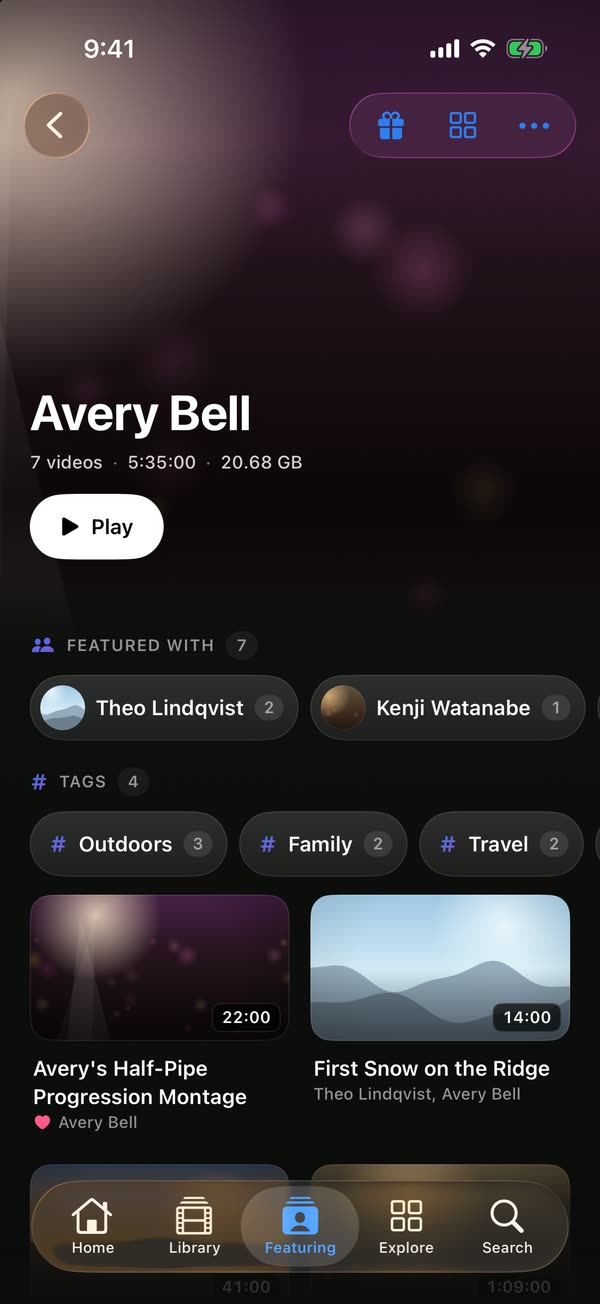
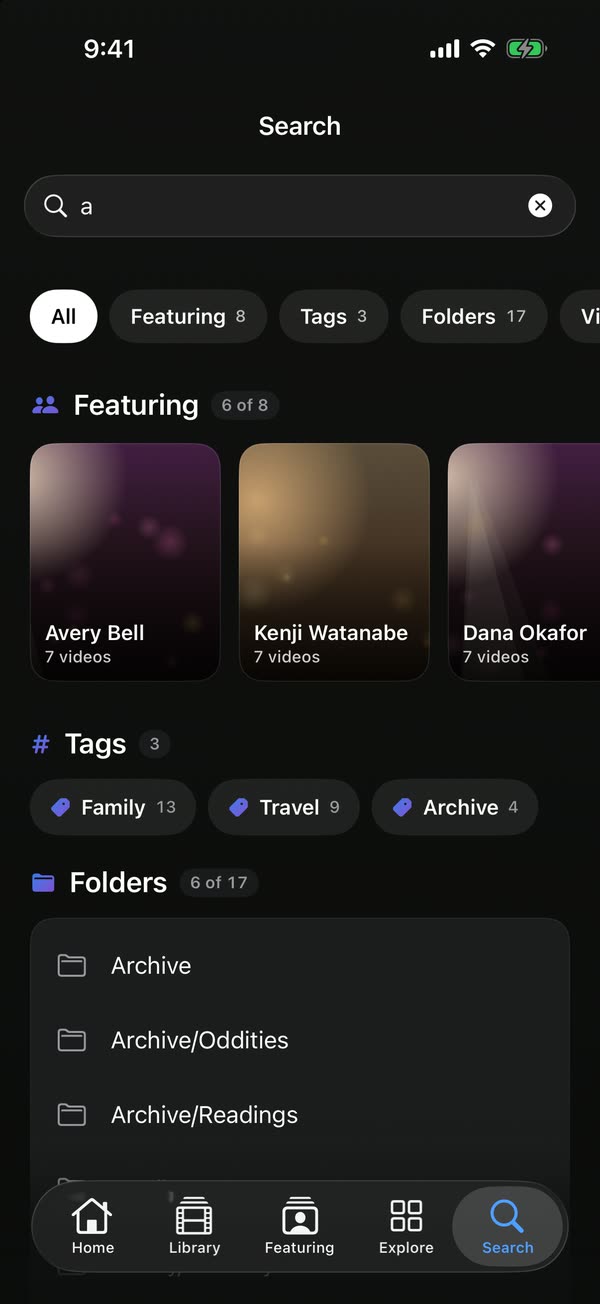
Swipe up or down in the player for the next or previous video.
Keep watching while you browse the rest of your library.
See where you are going as you drag through a video.
More about the video you are watching, without leaving the player.
New Sprocket Pro
Stream from your Mac over cellular and any Wi-Fi. No port forwarding, no VPN app, nothing to configure. Subscribe and it works.
Free for 7 days, then $4.99 a month or $39.99 a year, through the App Store. One subscription covers your Mac, iPhone and iPad.

Used whenever the two networks allow it. Original quality, and no relay allowance used.
Used only when a direct connection is impossible. The relay cannot read what it carries.*
* Relayed video plays at about 5 Mbit/s, for up to 75 GB a month. Direct connections have no limit.
Sprocket Pro runs a small meeting-point service that helps your phone and your Mac find each other, and a relay for the cases where they cannot connect directly. Nothing about your library is stored on either.
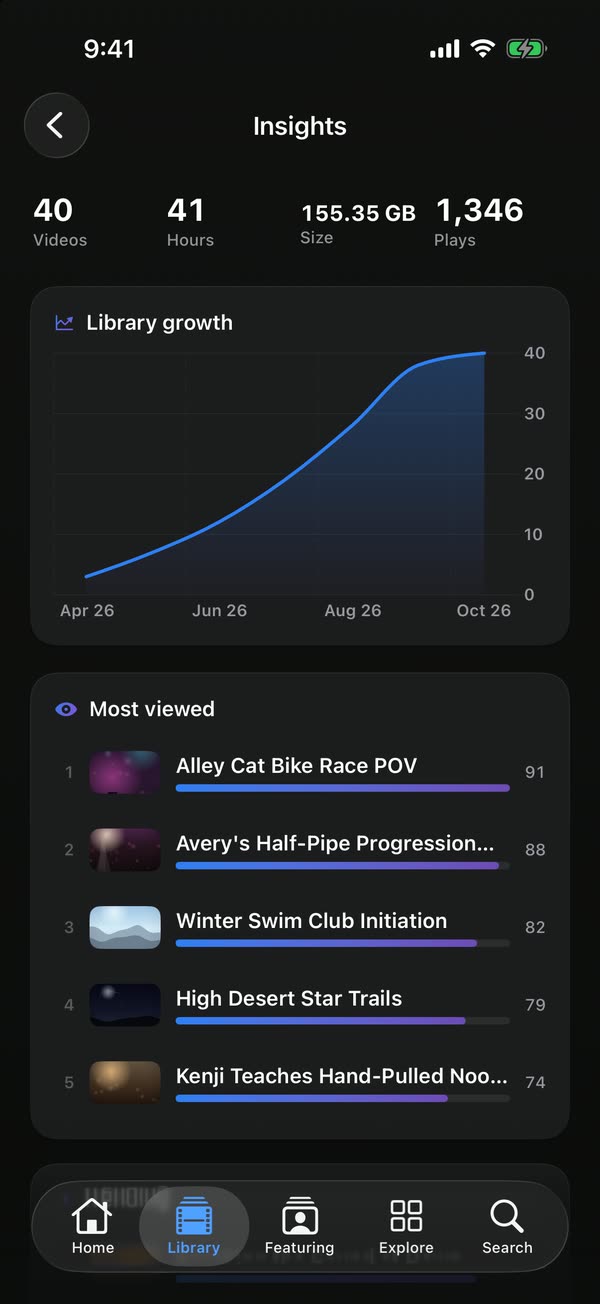
Your viewing in numbers: videos, hours, library size, plays, and what you watch most.
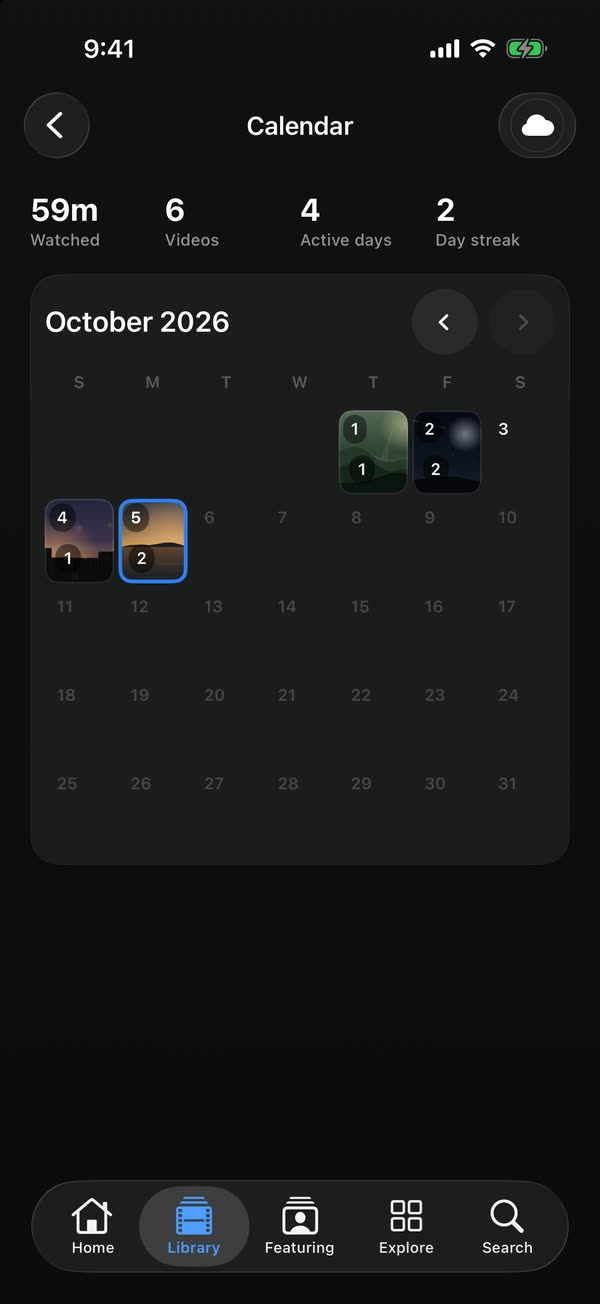
Your watching, day by day. See what you watched and when.
Privacy
Sprocket is a library for files you already have. It does not move them, copy them to a server, or watch what you do with them.
Your videos are never uploaded to Sprocket, and never stored anywhere but your own devices.
There is no Sprocket account. Nothing to sign up for, nothing to sign in to.
Sprocket does not measure you, profile you, or report what you watch.
When video leaves your home with Sprocket Pro, it is end to end encrypted between your own devices.
At home, video goes from your Mac to your phone on your own network. Away from home, anything that leaves is end to end encrypted between your own devices, and nothing is uploaded or stored.
Pricing
Sprocket is free for a library of up to a set number of videos. Sprocket Pro removes the limit and takes your library anywhere.
Sprocket
Free
For Mac, iPhone and iPad
Your library, on your Mac and around your home.
macOS 26 or later on Apple silicon. iOS 26 or later.
Sprocket Pro
$4.99a month
or $39.99 a year. Free for 7 days.
Everything, everywhere.
Billed through the App Store after the free trial. Renews until you cancel.
Prices in US dollars. Sprocket Pro renews automatically until you cancel in Settings. See the terms.
* Relayed video plays at about 5 Mbit/s, for up to 75 GB a month. Direct connections have no limit.
Questions
No. Your files stay on your Mac. Sprocket streams them to your own paired devices and nowhere else. Nothing is uploaded to Sprocket and nothing is stored on a server. With Sprocket Pro, video that leaves your home is end to end encrypted between your own devices.
No. There is no Sprocket account. You pair your iPhone or iPad with your Mac by scanning a QR code. If you subscribe to Sprocket Pro, the purchase goes through the App Store with the Apple Account you already use, and it covers your Mac, iPhone and iPad on that same Apple Account.
The Mac app and the iPhone and iPad app, a library of up to a set number of videos, streaming to your devices at home, offline downloads, app lock and themes. At home, streaming needs no subscription, no account and no internet service.
On the free tier, the first a set number of videos by date added play. The rest of a larger library stays visible but locked until you subscribe to Sprocket Pro. Either way, the files on your disk are never touched and never uploaded.
With Sprocket Pro, your phone connects straight to your Mac whenever the two networks allow it, at original quality. Some networks make a direct connection impossible. In that case the video passes through a relay instead, at about 5 Mbit/s.
The relay only forwards encrypted data. It cannot see your video, titles, thumbnails or keys, and it does not store what passes through it.
The 75 GB a month allowance only counts video that goes through the relay. Direct connections do not use it. If you use the whole allowance, relayed streaming pauses until it resets the next month. Direct connections, streaming at home, and videos you have downloaded all keep working.
No. Your Mac is the library, so it has to be awake with Sprocket open. The Mac app can keep your Mac awake while it is streaming. Videos you have downloaded to your iPhone or iPad play without the Mac.
A Mac with Apple silicon running macOS 26 or later. The companion needs an iPhone or iPad running iOS 26 or later.
Sprocket is free for a library of up to a set number of videos, with streaming to your devices at home. Sprocket Pro is free for 7 days, then $4.99 a month or $39.99 a year, billed through the App Store. It adds an unlimited library, streaming from anywhere, Insights and Calendar, and one purchase covers your Mac, iPhone and iPad.
No analytics and no tracking. Sprocket Pro's service sees only what it needs to connect your devices, and the privacy policy lists all of it.